
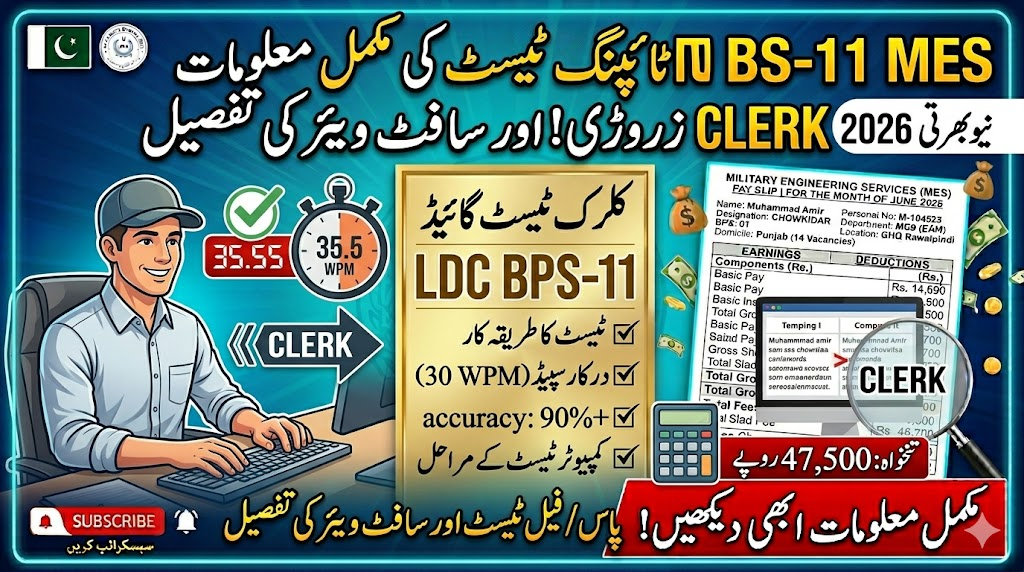
The Military Engineering Services (MES) recruitment process is highly competitive, and the Lower Division Clerk (LDC) BPS-11 position is one of the most sought-after desks in the entire setup. Over the years, while analyzing public sector recruitment patterns and helping candidates navigate these departmental tests, a heartbreaking trend stands out: hundreds of brilliant aspirants score exceptionally high in the written screening test, only to face immediate disqualification during the practical typing phase.
Passing a government typing test is not just about moving your fingers quickly across a keyboard; it requires an understanding of standardized evaluation criteria, hardware adaptability, and under-pressure accuracy. If you are preparing for the upcoming MES LDC recruitment cycle, this comprehensive guide will break down the exact speed benchmarks, software environment, and practical execution strategies needed to clear this hurdle on your first attempt.
1. The Strict Speed Benchmarks for MES LDC
The fundamental requirement for the Lower Division Clerk post in the federal defense estimates is clear-cut, but its implementation is strictly monitored:
- The Baseline Speed: You must achieve a minimum net speed of 30 Words Per Minute (WPM).
- The Accuracy Threshold: While the official advertisements focus heavily on the speed digit, your underlying accuracy must ideally sit at 90% to 95% or higher.
- Net Speed vs. Gross Speed: A common mistake often made by Pakistani candidates is confusing gross typing speed with net typing speed. If you type at 40 WPM but make 12 critical errors in a 3-minute test, your net speed will plummet below the 30 WPM cutoff line, leading to an automatic system-generated rejection.
2. The Software Environment: What to Expect at the Test Center
A major source of anxiety for applicants is wondering exactly what software platform MES utilizes during the examination. In public sector evaluation centers across Pakistan, the setup generally falls into two distinct operational categories:
Standardized Evaluation Tools (Typing Master Pro)
In many dedicated regional testing labs, standard testing applications like Typing Master Pro are utilized. In this setup, a paragraph is displayed at the top or center of the screen, and you are given a blank field directly beneath it to reproduce the text. The software actively tracks your real-time speed, error frequency, and elapsed time.
Custom Departmental Portals
Alternatively, the department frequently implements customized, secure web-based testing portals. These portals operate under specialized scripts where the text layout simulates actual clerical data entry tasks.
Important Operational Note: Unliker general online typing games where a mistake simply pauses the cursor until you hit the right key, departmental software allows you to keep typing blindly even if you are making errors, which can completely ruin your accuracy scores if you lose focus on the screen text.
3. The MES Recruitment Sequence: Written Test, Typing Cutoffs, and Final Merit Scoring
In my years of analyzing public sector recruitment structures, a common point of confusion among Pakistani candidates is how the final merit list is actually calculated. Many mistakenly believe that a high score on the written exam guarantees a smooth sail, or that typing speed acts as a direct point-booster. Let us clear up the exact sequence and scoring rules implemented by the MES selection board:
- Written Test Comes First: The typing test is never conducted on the same day as your initial screening. First, you must appear for the written/computer-based screening test. Only the candidates who pass the written test and fall within the competitive merit threshold for their respective provincial quotas are issued call letters or SMS alerts for the practical typing phase.
- The Strict Pass/Fail Barrier: The typing test itself carries no numerical weightage toward your final score—it is strictly a Pass/Fail qualifying round. If you type at 30 Words Per Minute (WPM) with acceptable accuracy, you simply get a “Pass” stamp. If you type at 29 WPM, you get a “Failed” status and face immediate disqualification, regardless of whether you topped the written exam.
- How the Final Selection Merit is Formed: Passing the typing test is a mandatory prerequisite, but it does not stop there. The final selection merit list is compiled by aggregating your Written Test marks, Interview evaluation scores, and successful Typing Test qualification. To secure your name on the final joining roster, you must maintain a balanced, strong performance across all three of these pillars.
4. Real-World Practicalities: Overcoming the Testing Lab Environment
In my years of mentoring digital content creators and guiding students through public sector skills assessments, I have found that the physical testing environment poses a greater challenge than the software itself. Many students practice at home on sleek, shallow laptop keyboards or high-end mechanical gaming setups. When they walk into a government testing hall, they are suddenly faced with standard, deep-travel desktop keyboards (such as classic Dell or HP office models) that feel heavy and stiff to the touch.
Furthermore, the atmosphere inside a public sector typing hall is incredibly noisy. The moment the examiner says “Start,” the simultaneous clattering of dozens of heavy keyboards creates an intense echo chamber. If you have not practiced typing in a noisy environment or trained your mind to tune out external distractions, your fingers can freeze, and panic will inevitably set in.
Also Read About: MES LDC Salary Structure 2026: BPS-11 Pay Scales, Allowances
5. Pro Tips to Guarantee a Pass
- Ditch the Laptop Keyboard: If you are practicing exclusively on a laptop, plug in an external, standard desktop keyboard immediately. Your muscle memory needs to adapt to the deep key travel distances of office hardware.
- Train Without the Backspace Key: While backspace is functionally enabled on most standard software setups, relying on it heavily during a high-stakes test shatters your rhythmic speed. Practice typing daily drills while deliberately pretending your backspace key is broken.
- Focus Entirely on Accuracy First: It is far easier to build speed up from a steady 95% accuracy baseline than it is to correct wild, chaotic movements running at 45 WPM with 75% accuracy. Speed is a natural byproduct of flawless rhythm.
Frequently Asked Questions (FAQs)
What is the typing speed required for LDC?
The official minimum speed requirement for the Lower Division Clerk (LDC) position within the Military Engineering Services is 30 Words Per Minute (WPM). Candidates must sustain this speed under standard test conditions to qualify for the next interview phase.
Which software is used for typing tests?
MES typically relies on standard standalone software like Typing Master Pro or internally developed, secure web-based examination portals. These setups are configured to test contextual paragraph typing rather than isolated word lists.
What is the speed requirement for typing test?
To pass successfully, you must hit a net minimum of 30 WPM. However, aiming for a safe practice buffer of 35 to 40 WPM at home is highly recommended to comfortably offset any nervousness or hardware unfamiliarity encountered on test day.
Is 70 WPM with 97% accuracy good?
Yes, 70 WPM with 97% accuracy is exceptional. It is far above the standard public sector benchmark for basic clerical cadres. An applicant executing at this performance tier will easily breeze through the practical filtration round and leave an outstanding impression on the selection board during final grading evaluations.


